Video Gallery
Educational videos explaining financial concepts.
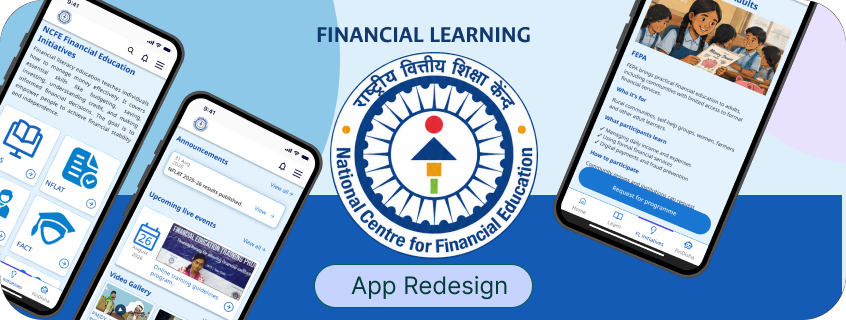
Independent UX Audit & Mobile App Redesign
While researching financial literacy, I came across the NCFE app. Discussing it with my father made me wonder whether people from my hometown, including my grandmother, could actually use it.
As I explored further, I noticed that the app gave more attention to promoting its services than helping people discover educational resources.
This curiosity led me to audit and redesign the experience, focusing on accessibility, navigation, and learning.
Figma, Figma Motion
Firebase
Claude Code, Codex
April 2026 – July 2026
Interaction Design
Prototyping
Research
Financial education isn't equally accessible to everyone.
Understanding money is important, whether it's managing everyday expenses, saving for the future, or making financial decisions. But not everyone has the same access to financial knowledge, especially when language, awareness, and digital familiarity become barriers.
The National Centre for Financial Education (NCFE) is an organization established with the support of India's financial regulators to promote financial literacy. It provides educational resources and conducts programmes to help people understand financial concepts and make informed decisions.
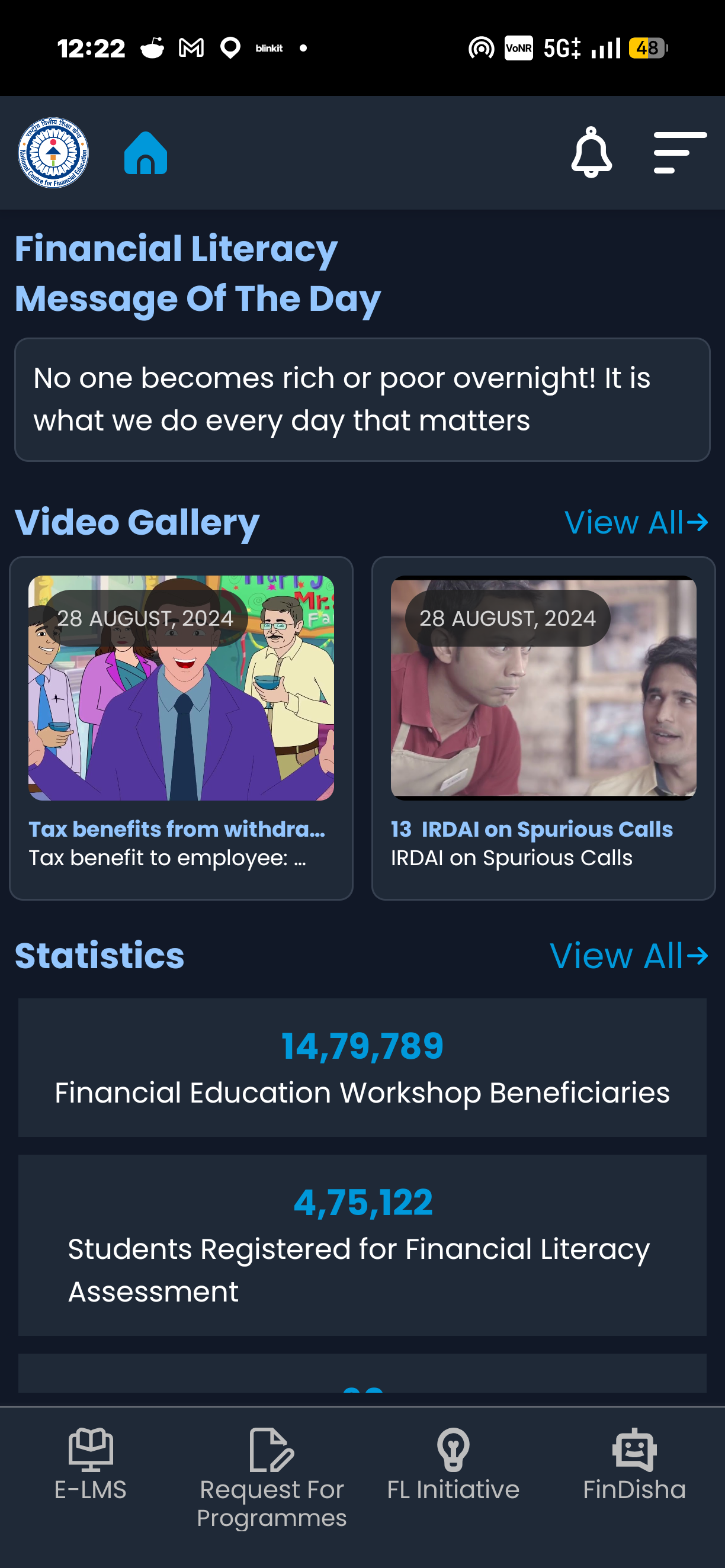
The intention is to make financial education available digitally, but how easily can people find, understand, and use these resources?
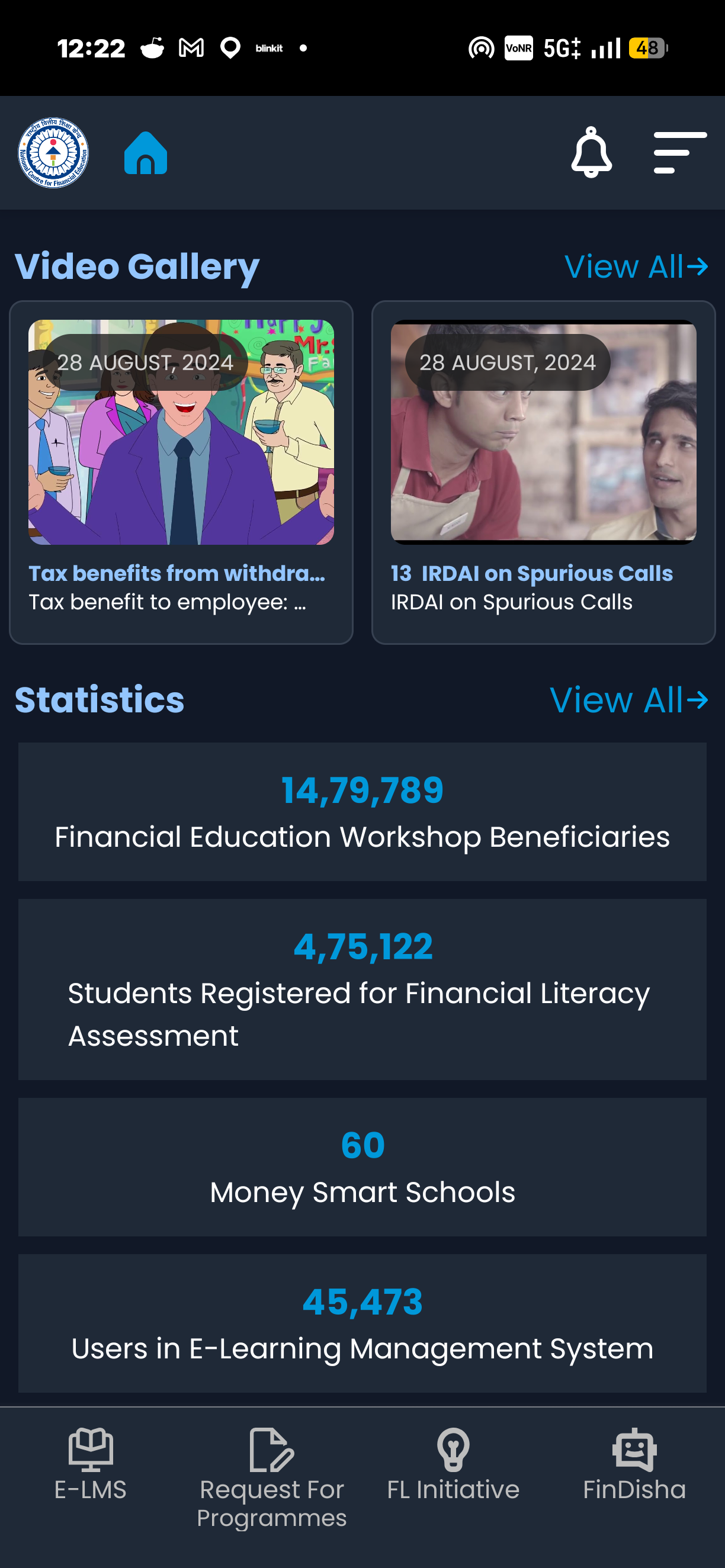
Educational videos explaining financial concepts.
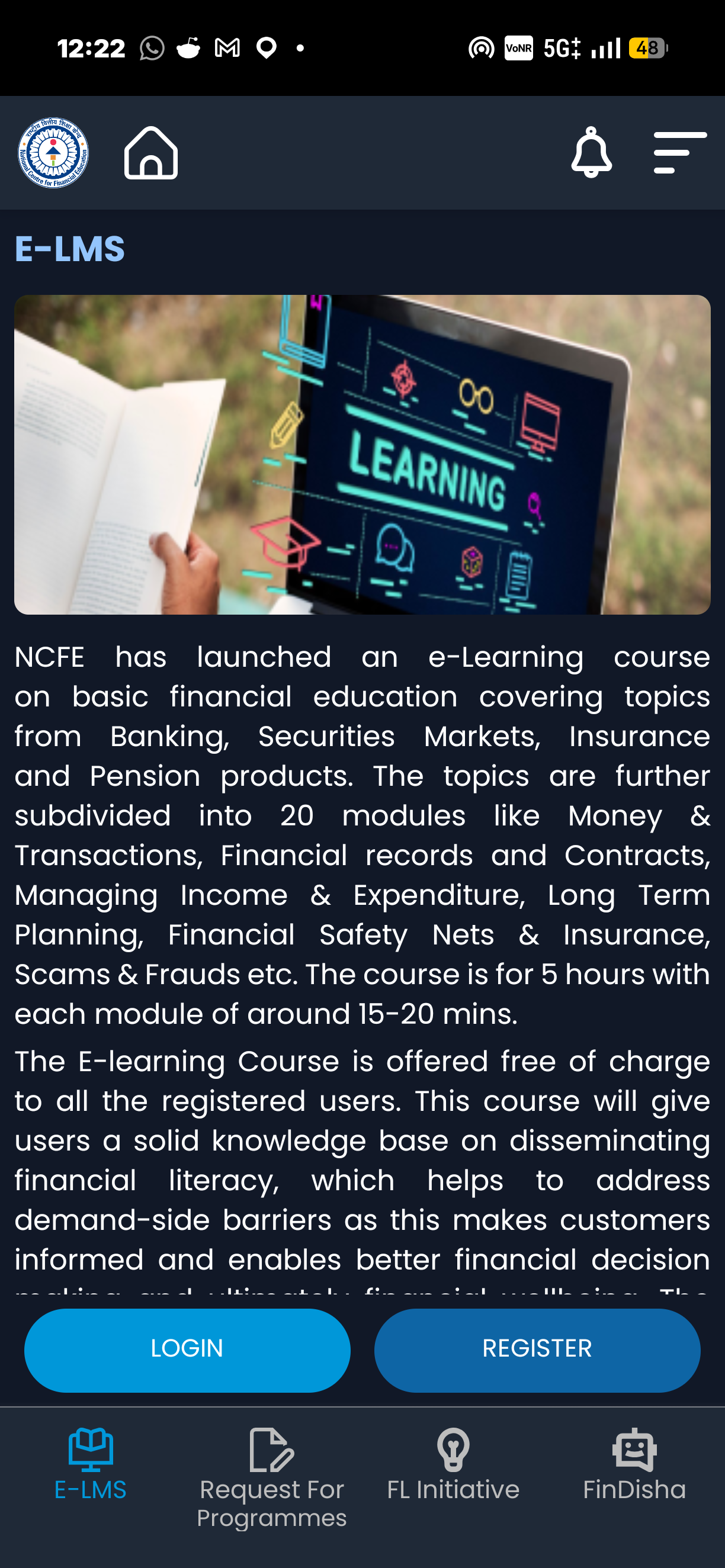
Online courses for structured financial learning.
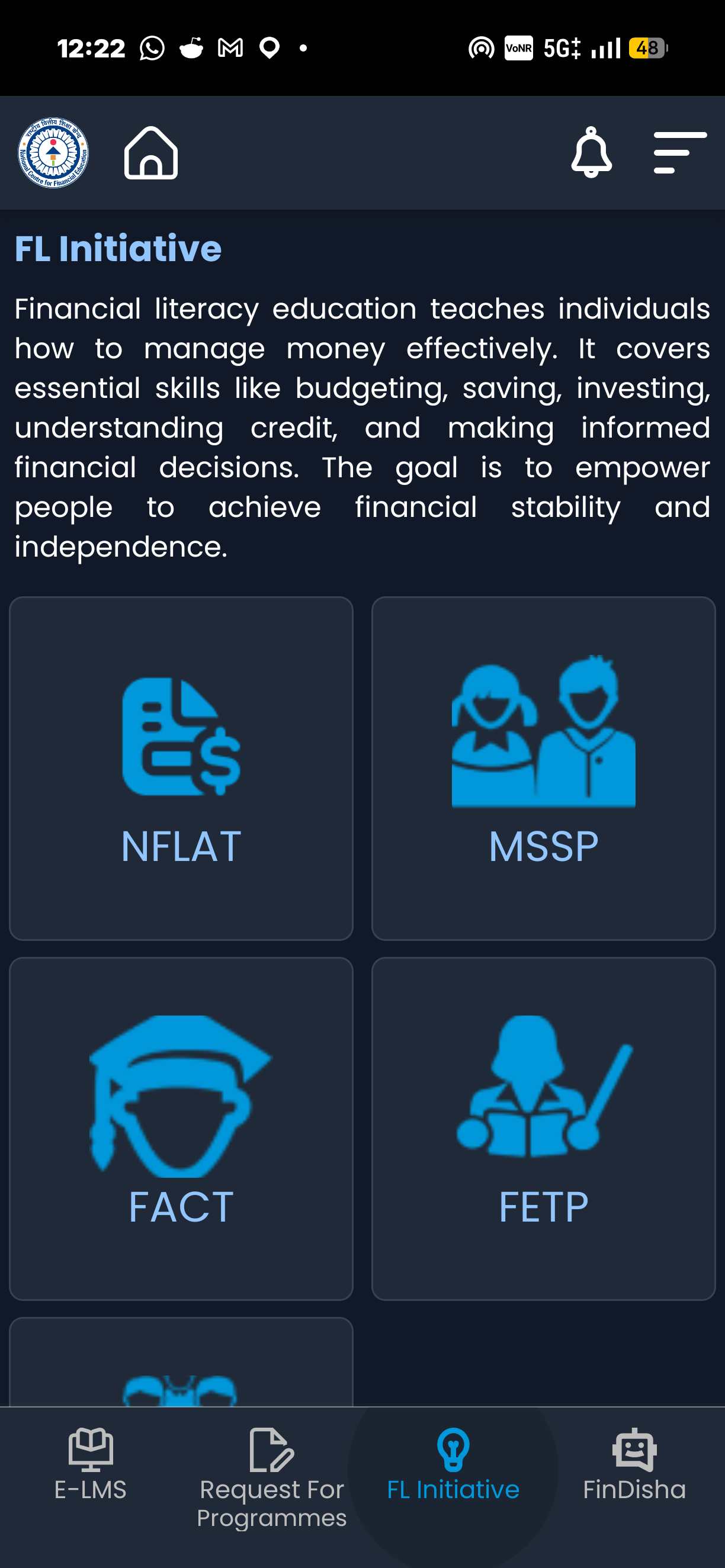
Information about programmes such as NFLAT, MSSP, FETP, FEPA, and FACT.
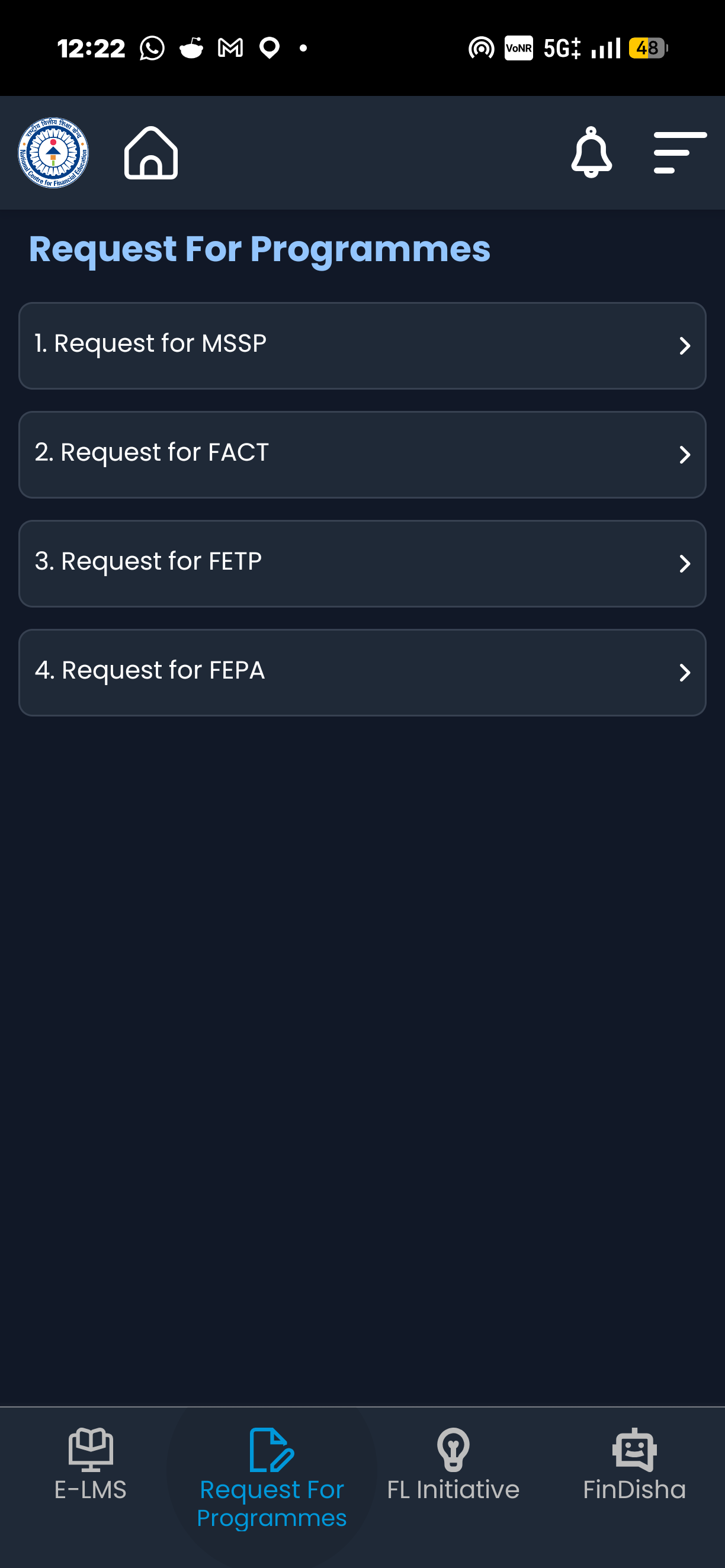
Options to request financial education programmes.
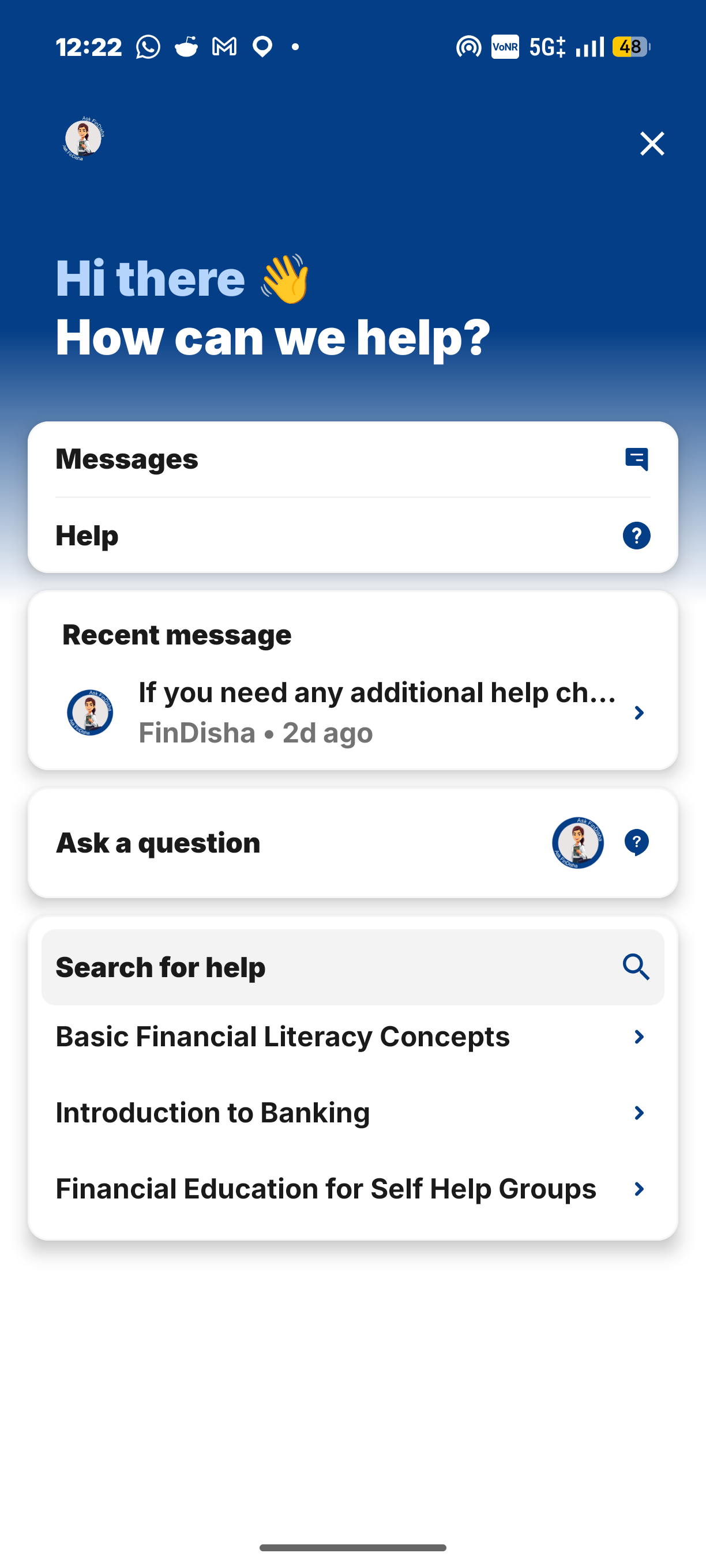
A chatbot for financial education queries and assistance.
I redesigned the NCFE experience around three priorities: making learning resources easier to discover, providing clearer assistance, and giving users more control over how they access information.
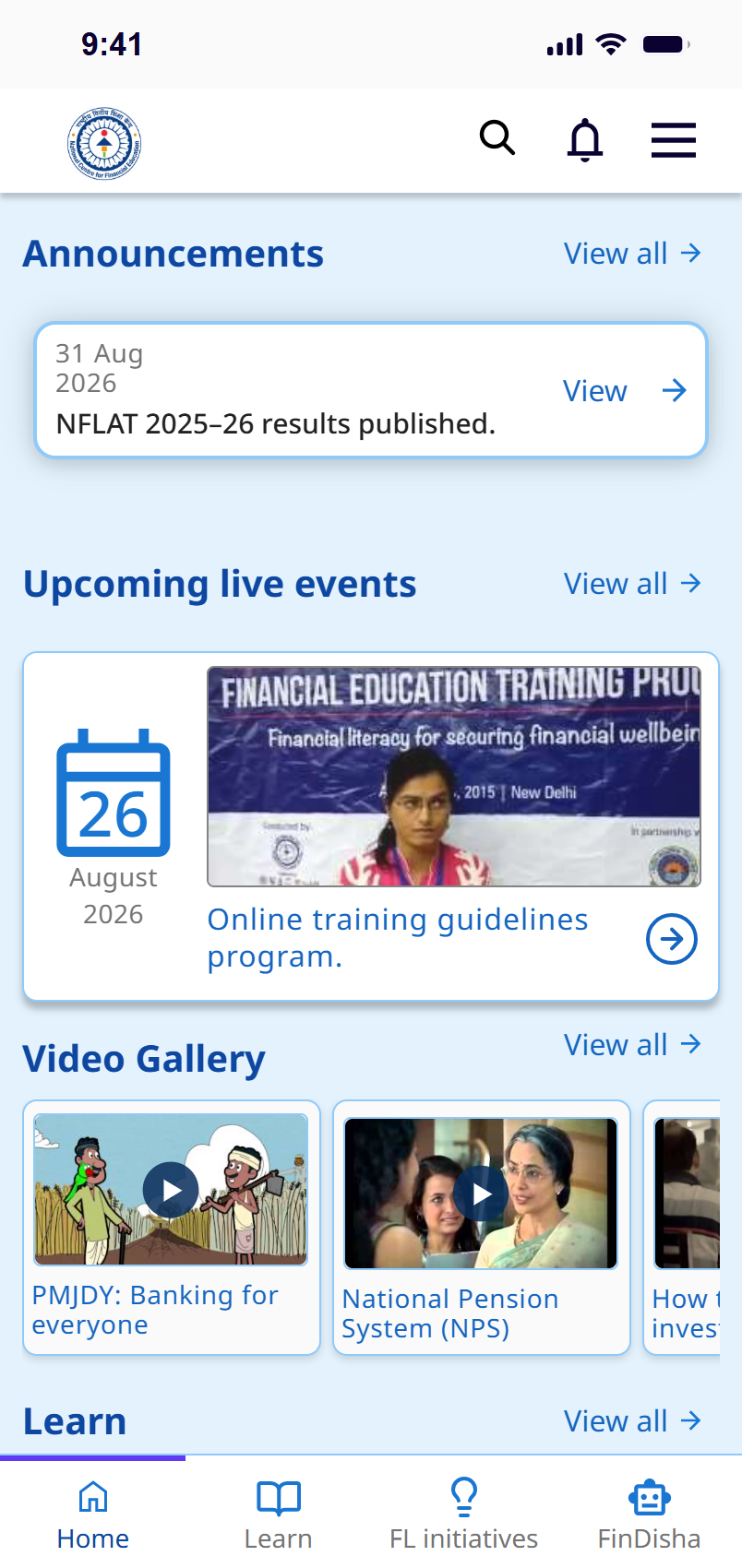
The resources were there.
Where was the learning?
Broader primary research revealed gaps in financial knowledge, low awareness of available resources, and a need for simpler, trustworthy guidance.
60% Weren’t aware about schemes and policies that could potentially help them.
59% reported to have low confidence in their financial knowledge.
1% Claimed to be in full confidence and awareness.
When I opened the app, institutional information stood out more than the learning itself.
The aspects and flow of the app seemed more promotional than educational!
The learning materials were there, but spread across sections. I wanted to understand why getting to them felt less straightforward than it should.
The home screen gives more visual importance to NCFE’s statistics and promotional content than to its educational resources.
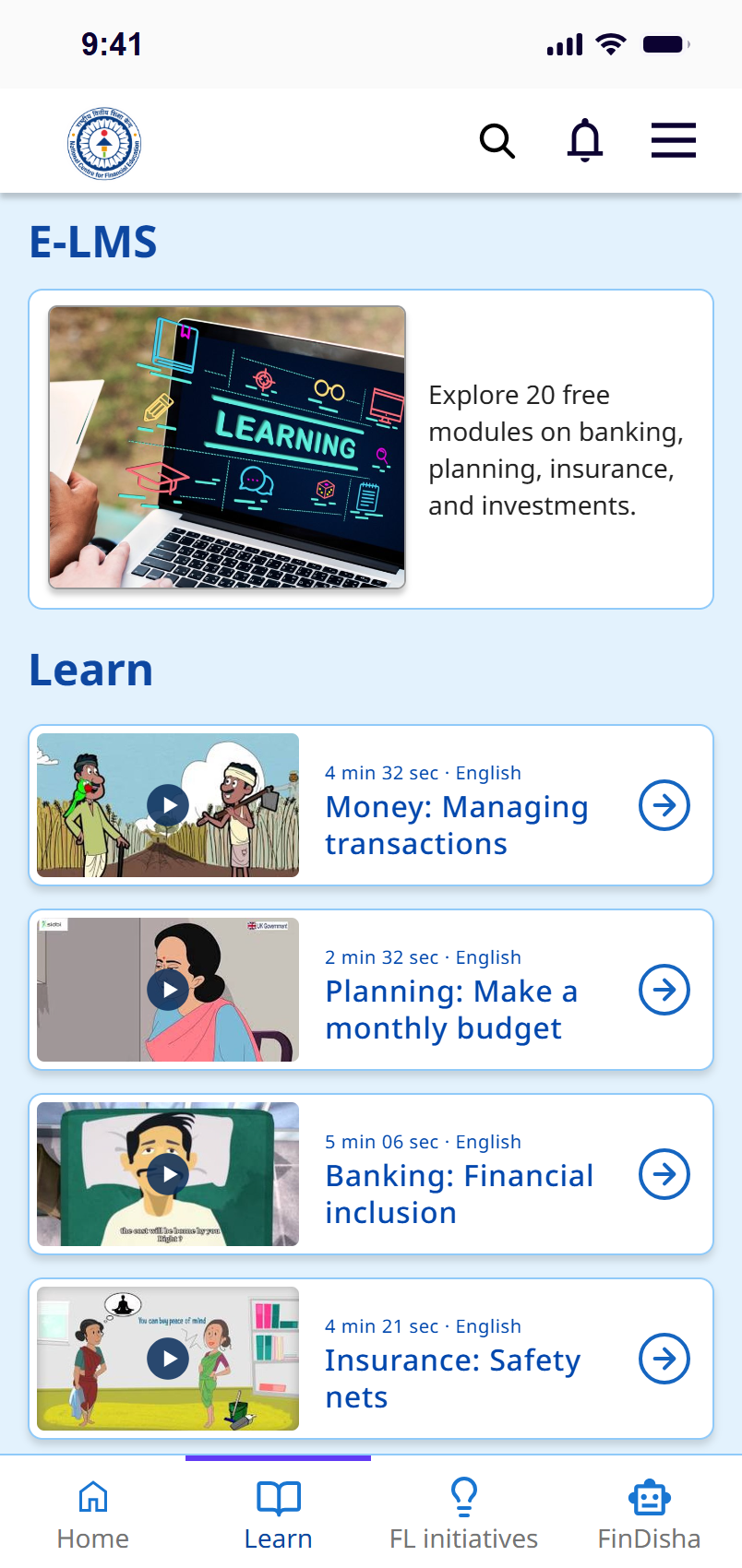
Textbooks, videos, and E-LMS are placed in separate sections, making related learning materials harder to discover together.
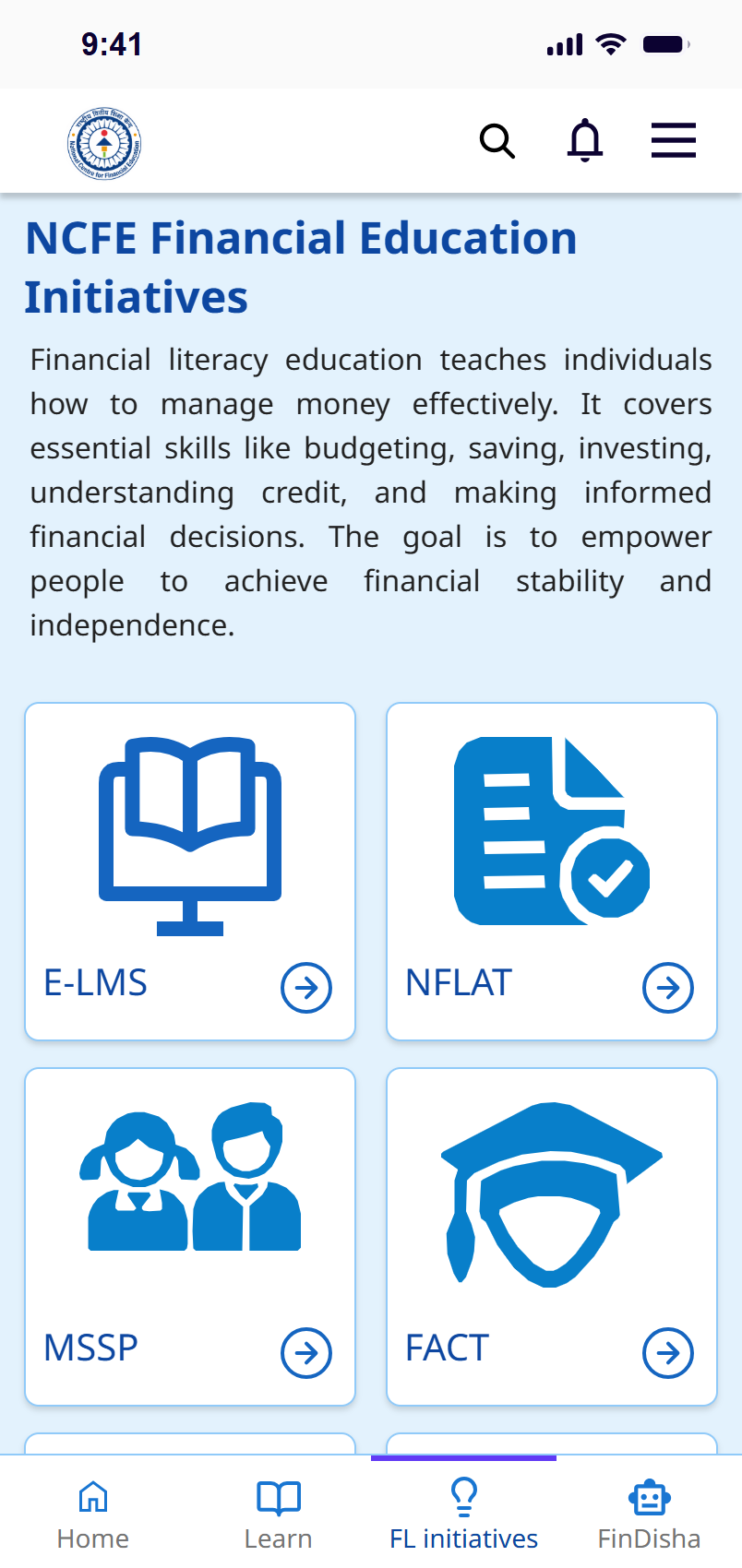
FL Initiatives and Request for Programmes contain closely related information but are presented as separate navigation options.
The app primarily uses English, which may create barriers for people who are more comfortable reading in regional languages.
What is opening a HUF?
HUF खोलना क्या होता है?
HUF ખોલવું એટલે શું?
HUF ଖୋଲିବା କ’ଣ?
Related resources sit in different sections.
Limited language options make learning resources harder to access for people unfamiliar with English.
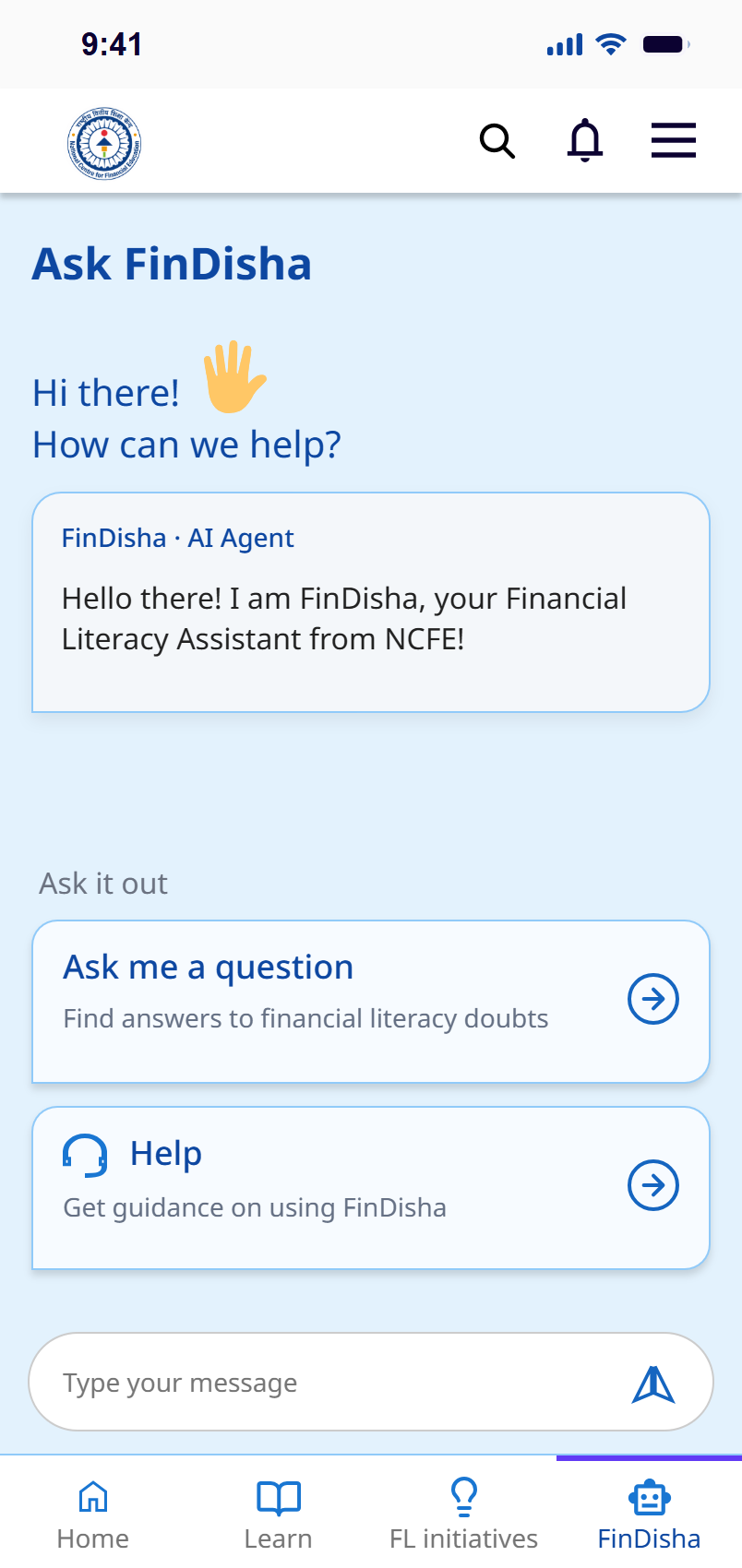
Search and conversational help overlap, making it unclear where users should go for guidance.
Scattered learning resources and overlapping sections make it difficult to find a clear path to learning.

I do not understand much of modern financial practices; but I want to learn and grow my money.
Rampyari is a grandmother, in her 70s. Thinking of her and my mother made me question whether financial education is truly approachable for people with different language preferences and digital habits.
She prefers reading Odia, her native language.
Living alone in her village, she receives money from her sons.
She lives from allowance to allowance, but aspires she could have more to live more comfortably.
Can she find a topic? Choose a suitable language? Know where to ask for help?
There are policies and incentives available for her, but can she access them?
What would learning look like for Rampyari?
Following a possible learning journey
A crowded starting screen
Separated learning routes
English-first interface
Unclear support boundaries
I kept NCFE’s learning resources and programmes, but reconsidered how people reach them. The redesign focuses on three decisions:
Introduce language selection.
Group related learning resources.
Separate content search from assistance.
Prototype

National Centre for Financial Education


Apart from redesign, the design system was also standardized.
 HomeHome tab
 LearnLearn tab
 FL initiativesProgrammes tab
 FinDishaAssistant tab
 SearchSearch topics
 NotificationsAnnouncements
 MenuOpen the side menu
 ArrowView all, continue
 PlayPlay a video
 AboutAbout NCFE
 ImpactImpact figures
 MessagesMessages log
 LanguageChoose a language
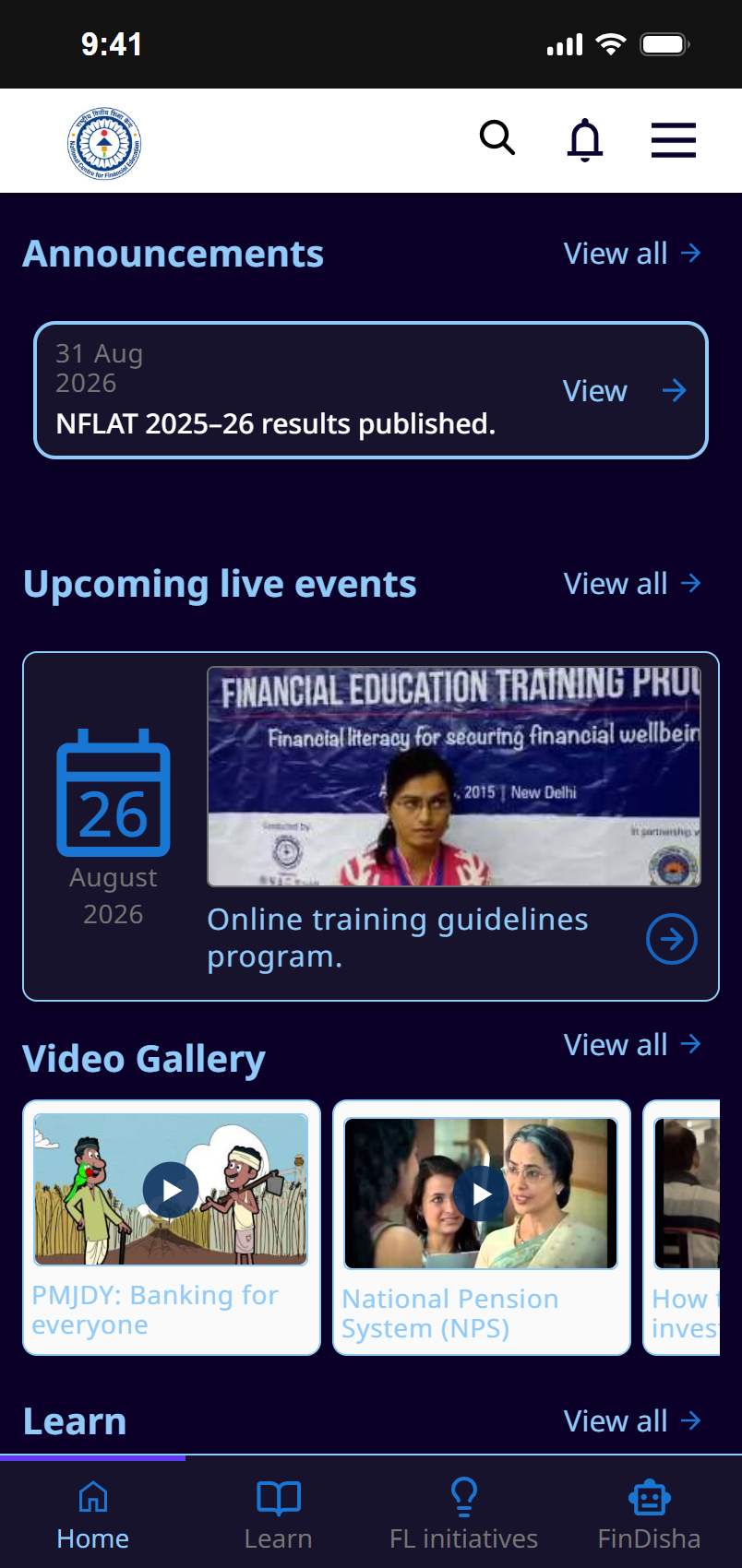
 ModeLight or dark
 HelpHelp centre
 PrivacyPrivacy policy
 PhonePhone support
 ChatLive chat
 EmailEmail support
 Walk-inWalk-in centre
 RegisterProgramme registration
 Log inAccount
Low-res wireframes to establish and plan for a better experience.
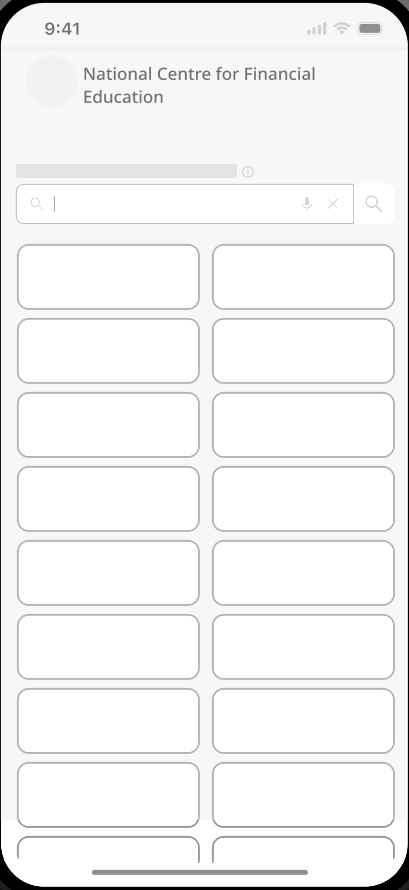
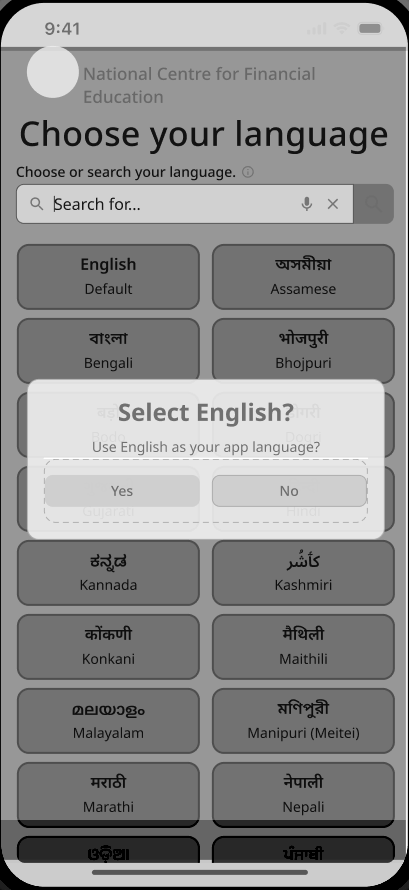
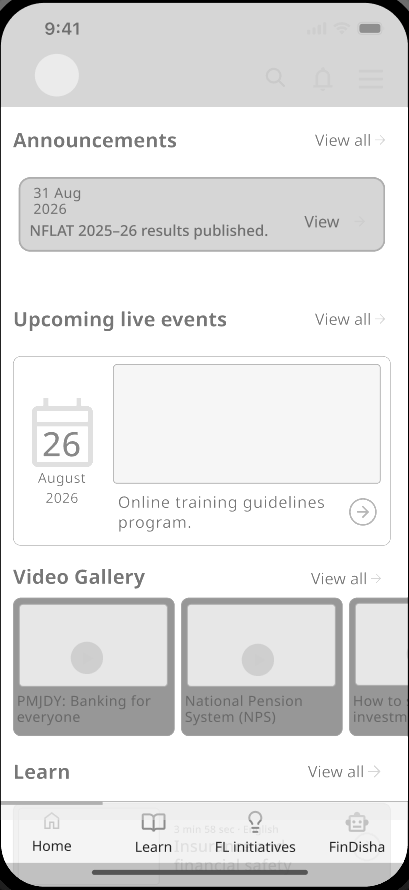
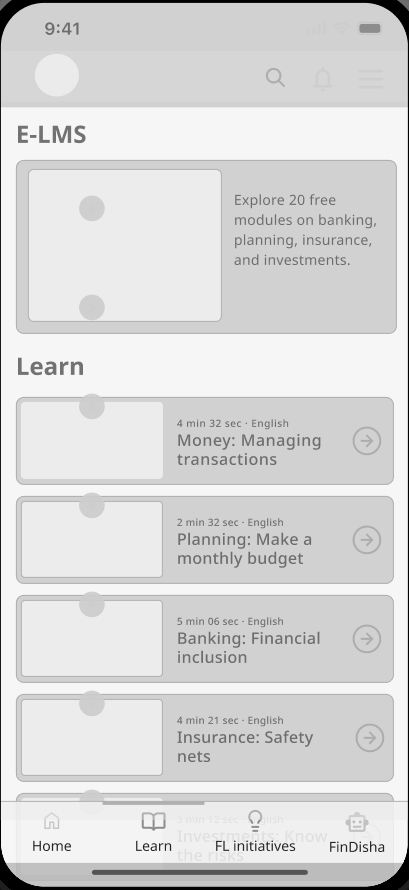
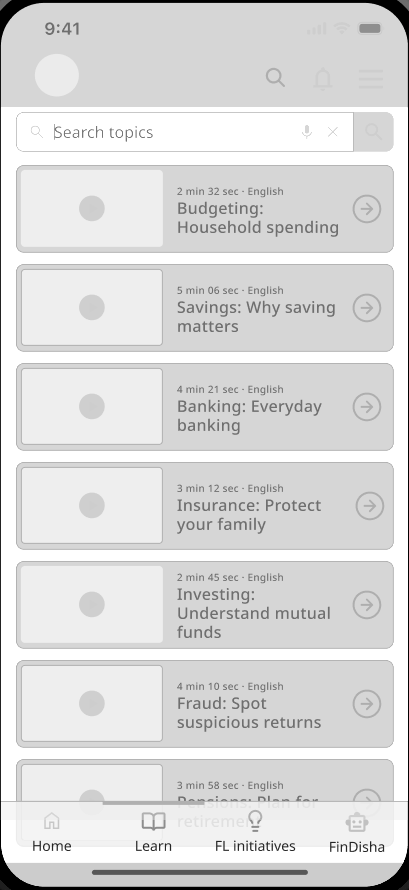
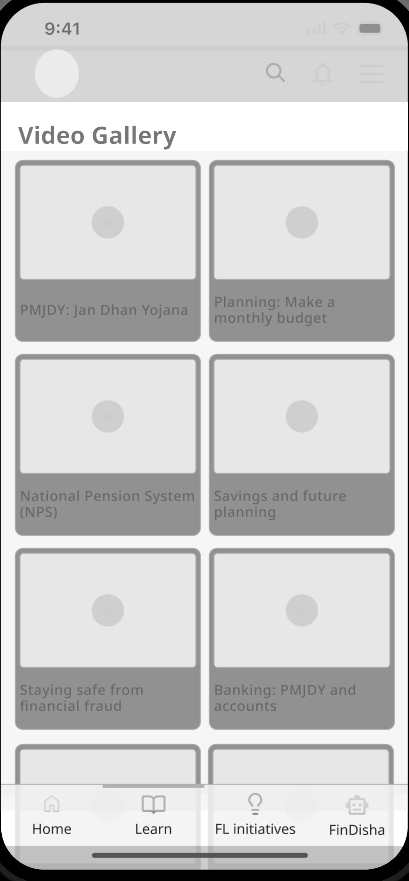
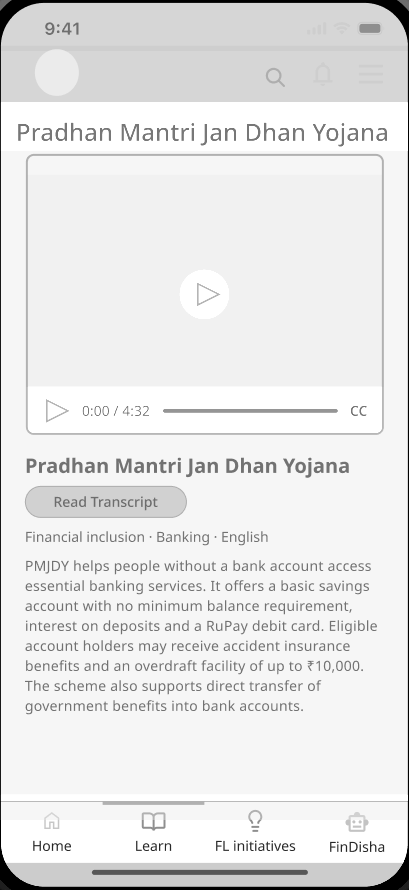
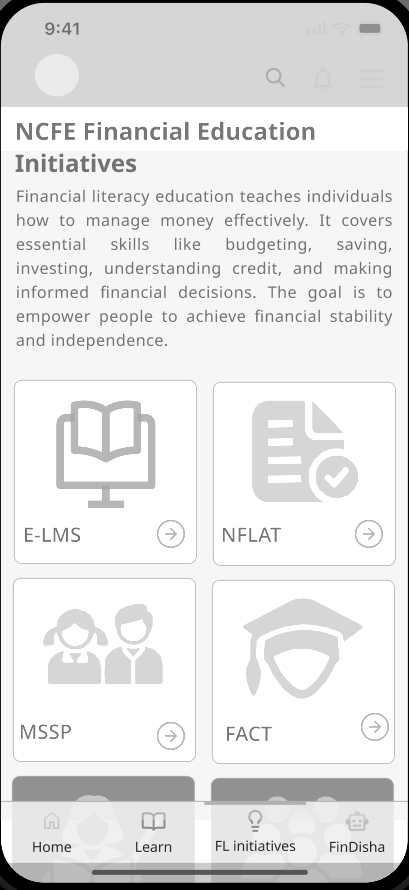
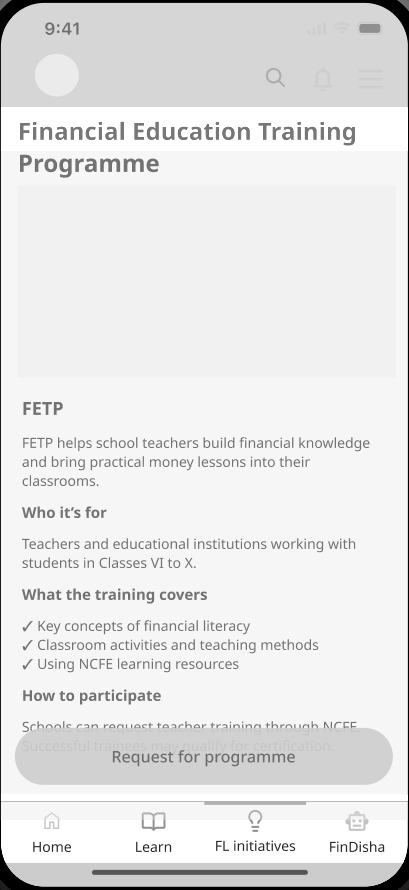
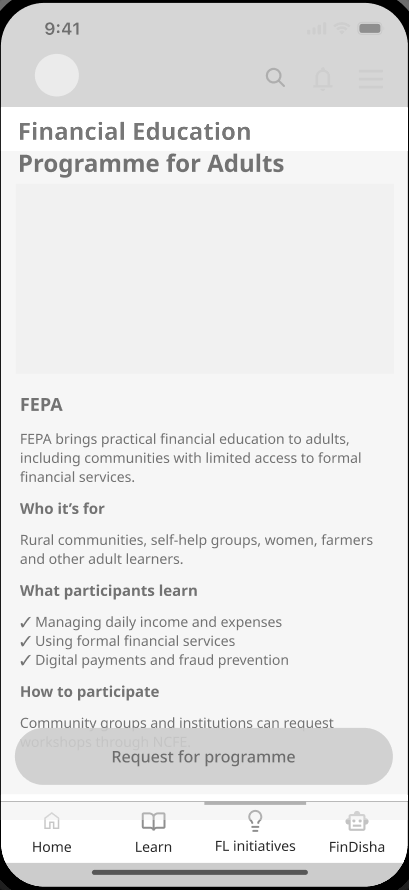
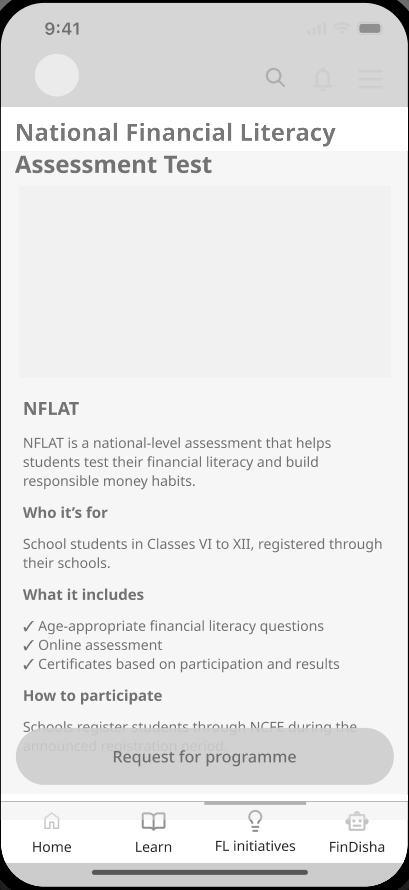
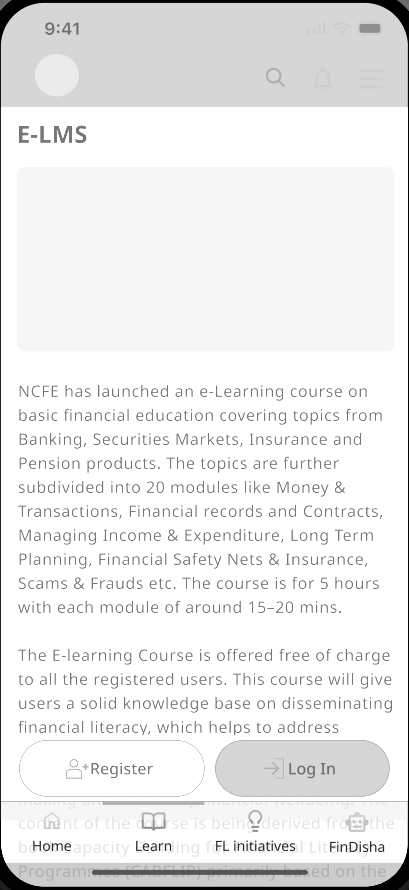
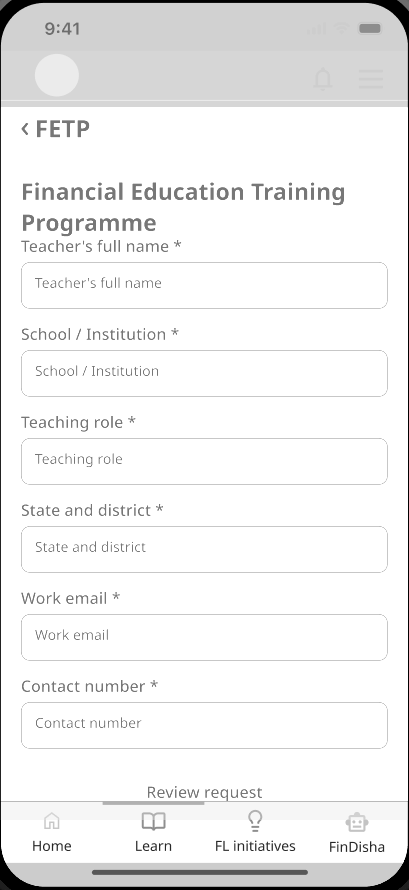
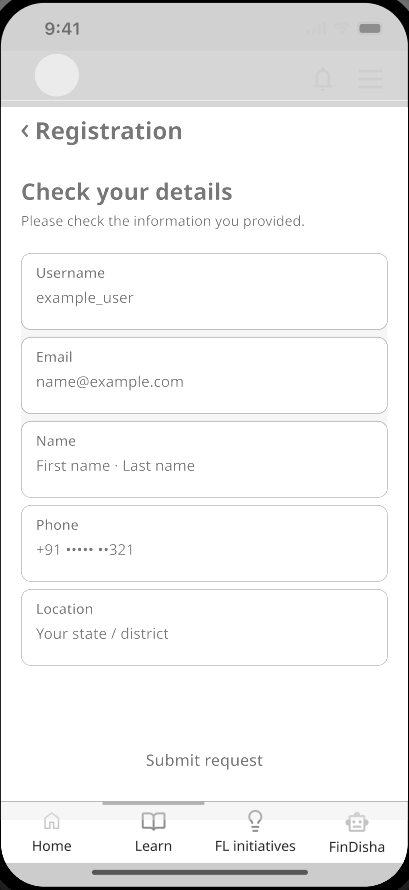
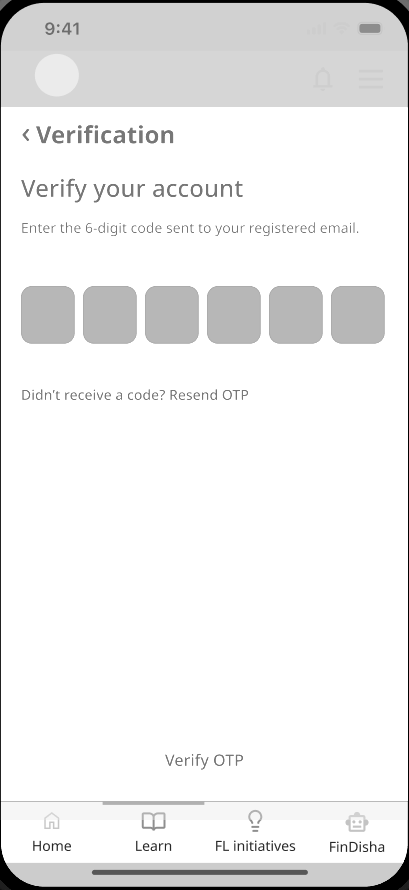
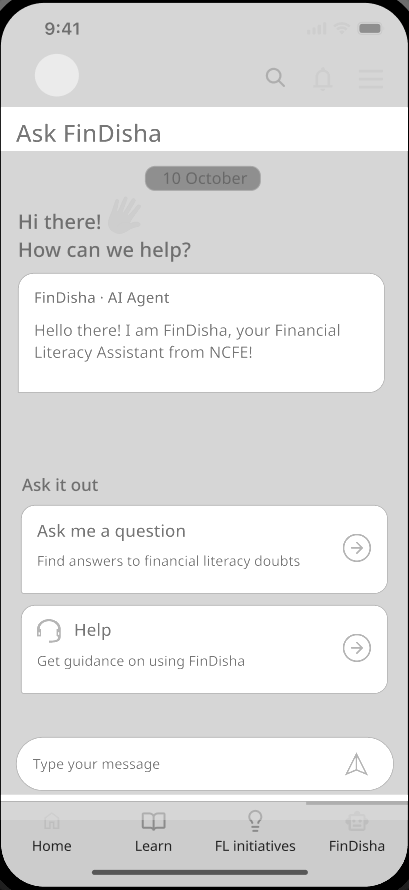
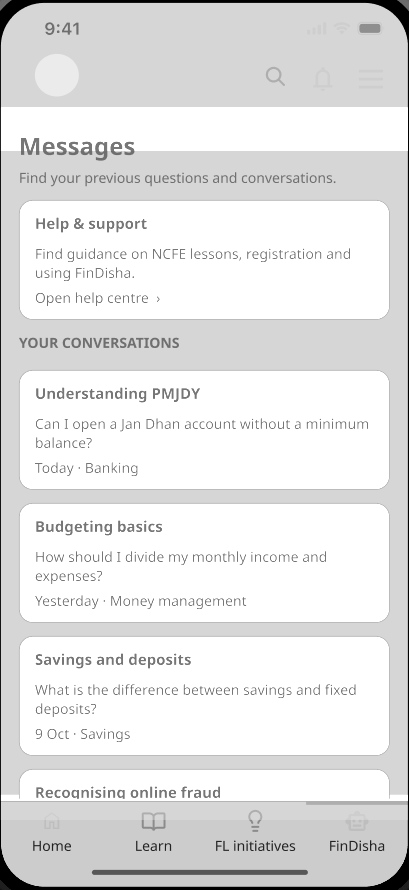
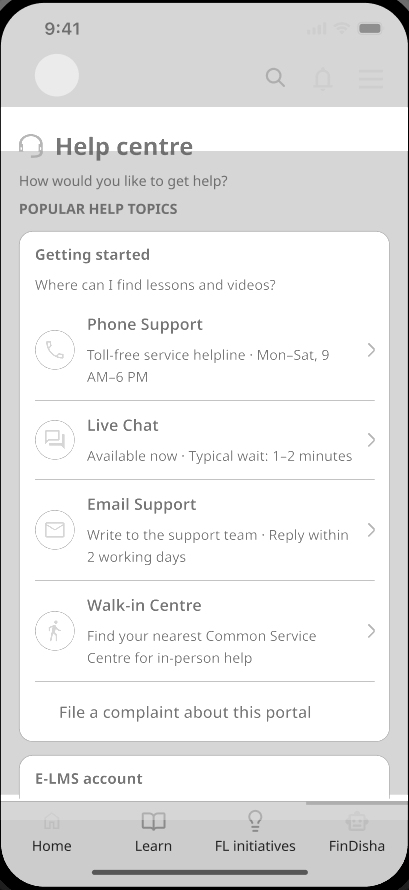
After a thorough walkthrough, the redesign addresses the skeletal issues in the app.
Before
After
Home
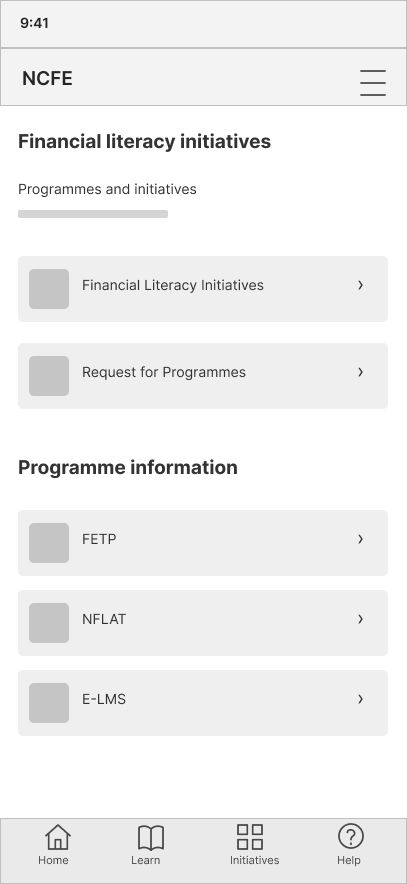
Wireframes of the same screens; the coloured areas show what changed.
Before
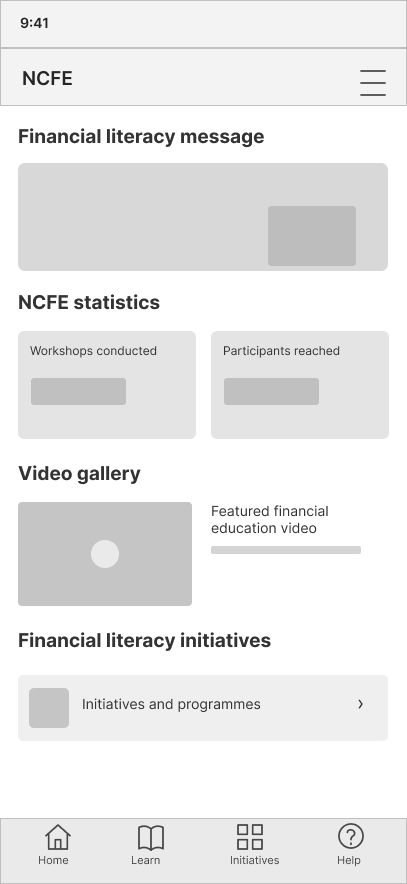
After
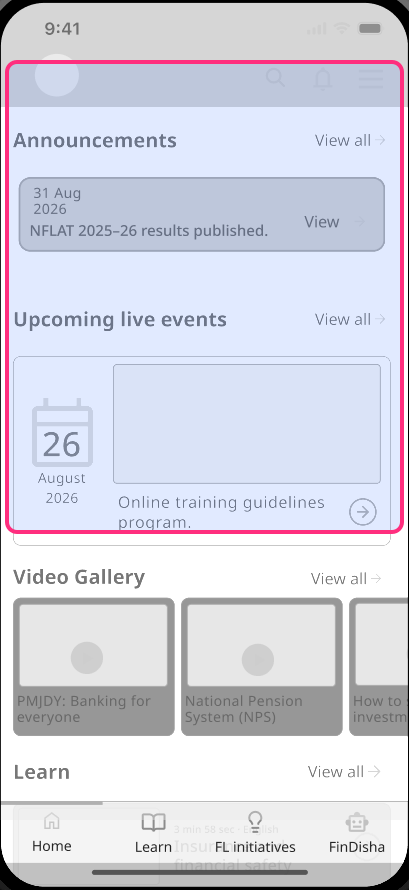
UI solution: Home leads with announcements, live events and the video gallery, so learning comes before institutional statistics.
Before
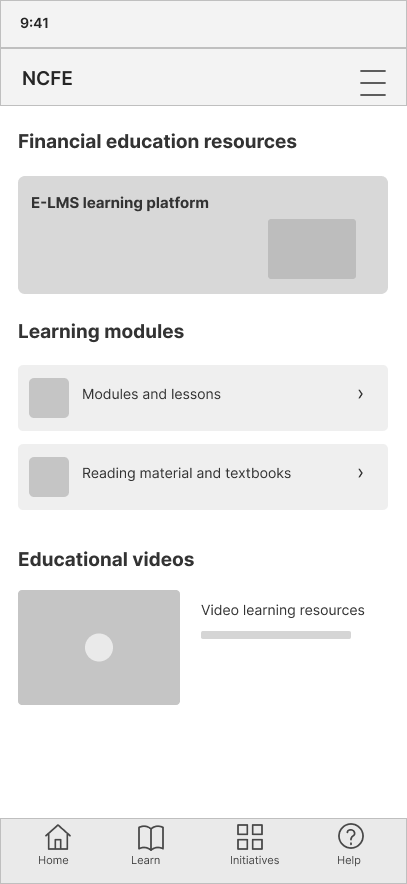
After
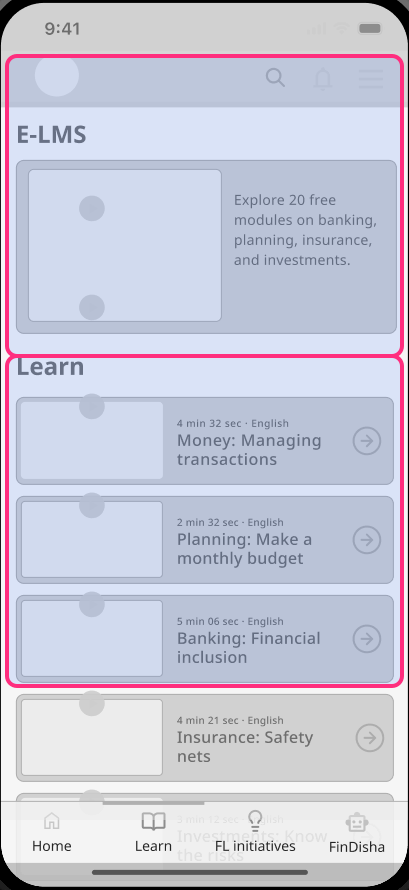
UI solution: E-LMS courses and topic videos sit together on one Learn screen instead of in separate sections.
Before
After
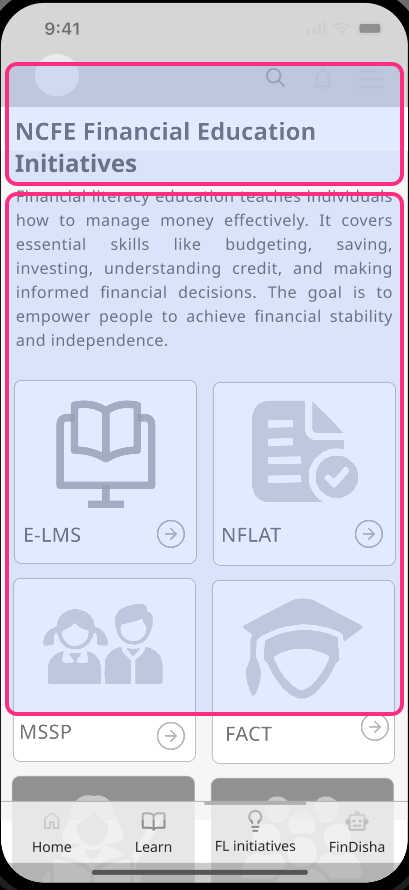
UI solution: programmes appear as icon cards, so each initiative is easy to tell apart and open.
Before
After
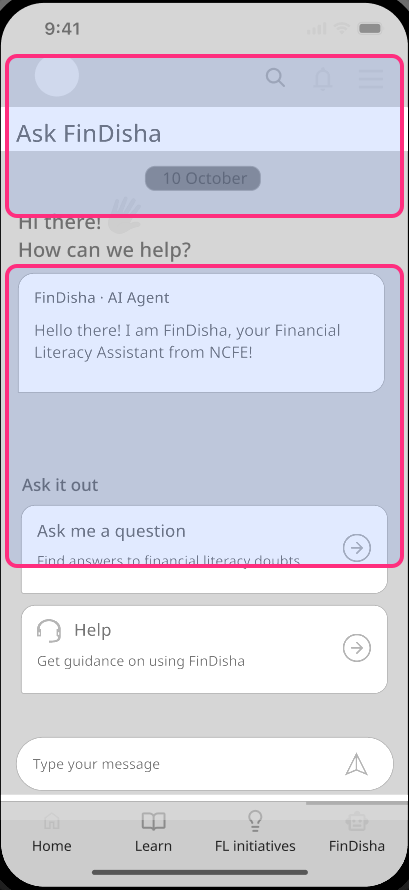
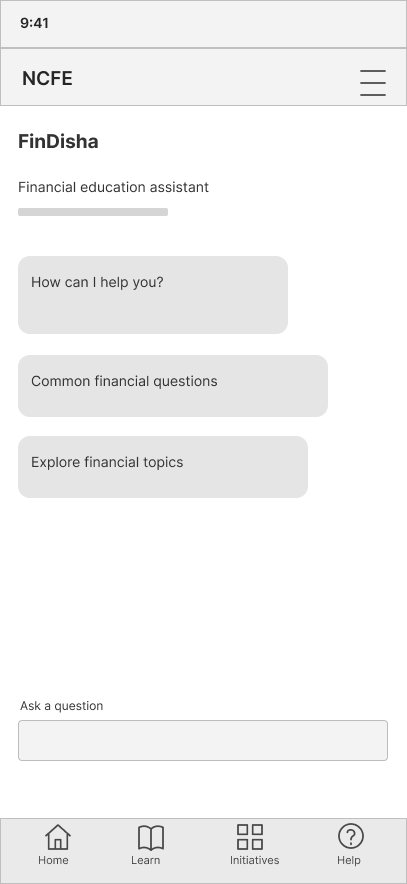
UI solution: asking a question and getting help are separate, clearly labelled actions.
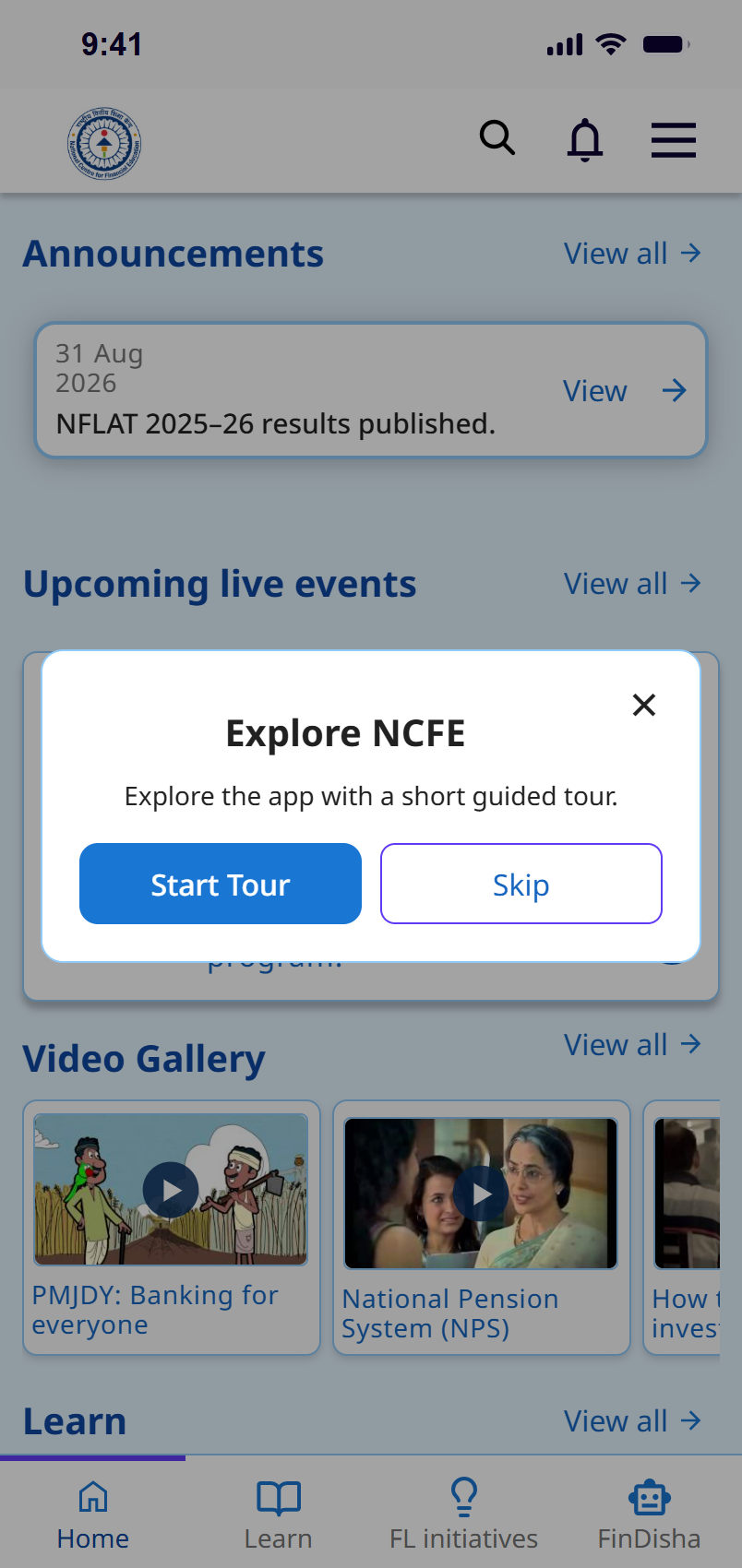
01. Home
From institutional emphasis to easier learning discovery.
02. Learn
Related materials come together without losing their formats.
03. Initiatives
Programme information and actions are easier to distinguish.
04. FinDisha
Searching for content and asking for help become separate tasks.
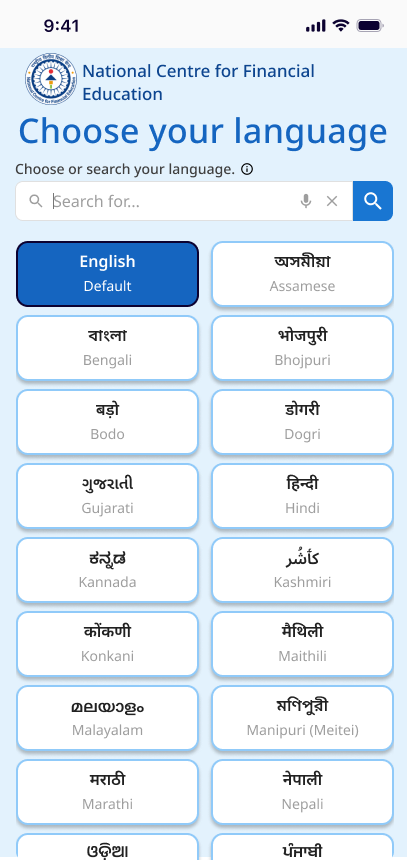
05. Language
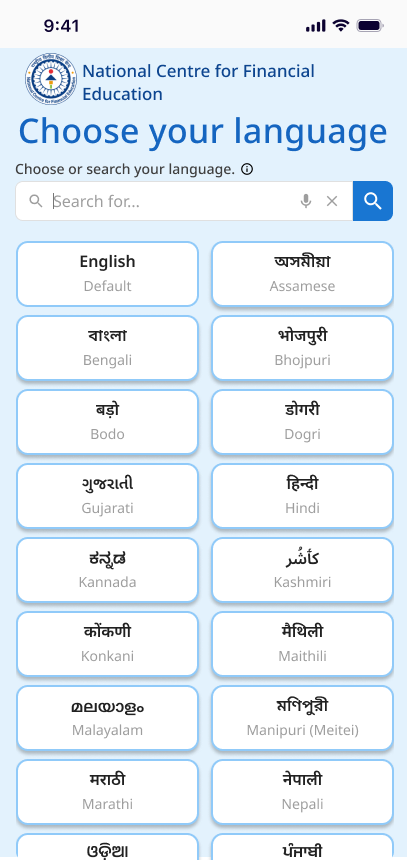
Language choice for the official languages of India.
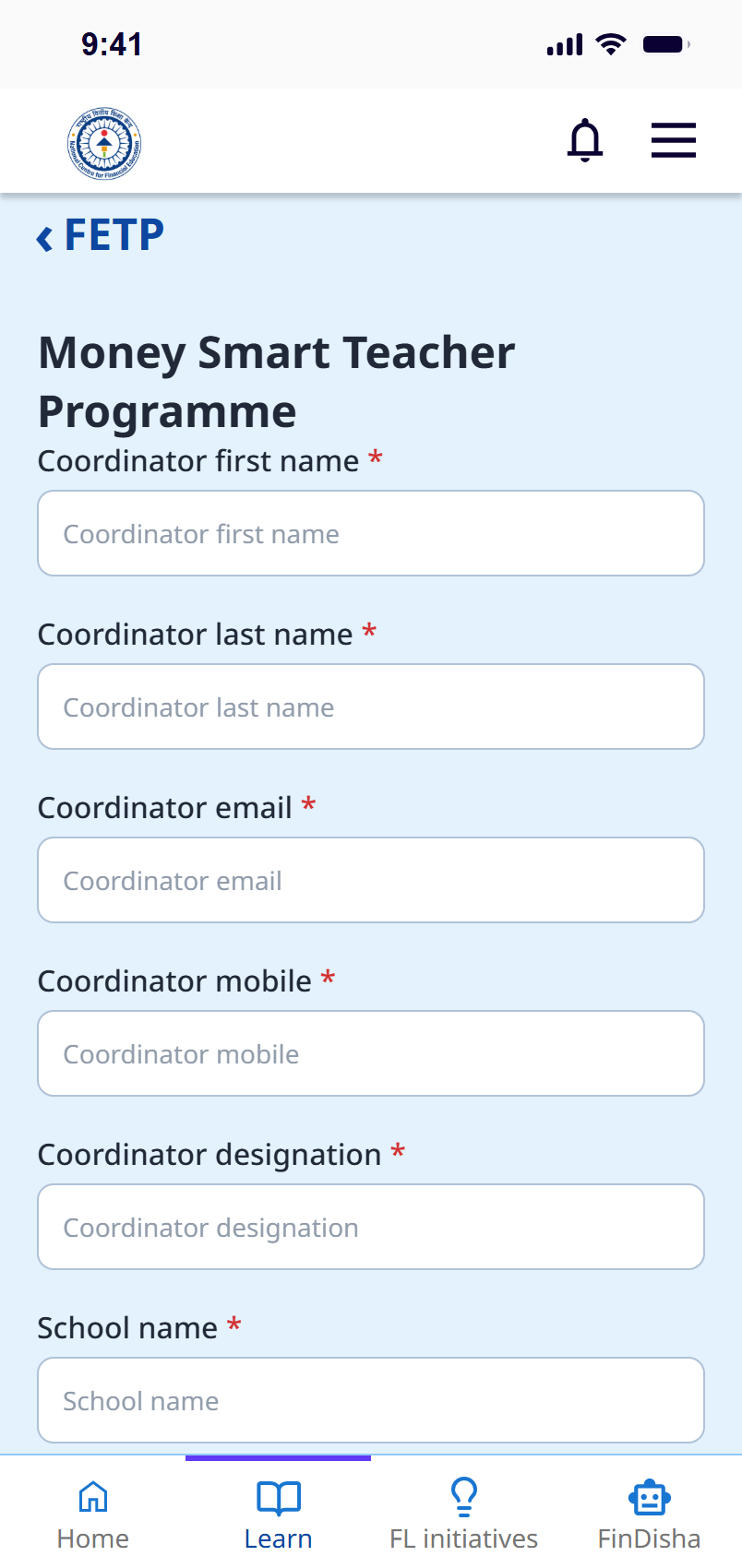
06. Forms
Forms share one uniform design that matches the language screens, with clearer registration states.
The redesign app is currently in process for collecting a wider user testing and feedback. Contribute to improve the design for a more nuanced experience.
The prototype is currently available in English, Hindi and Odia only.
Introducing language selection for official languages of India.
Test with different age groups, languages and levels of digital familiarity.
Check real task completion, comprehension, and where people need help.
Develop language coverage, form validation, and a functional prototype.
This project pushed me to look past the appearance of a screen and question how information is arranged.
01I wanted to make better use of what NCFE already provides, rather than replace its resources.
02The redesign still needs testing to know whether those decisions work for people like Rampyari.
03
